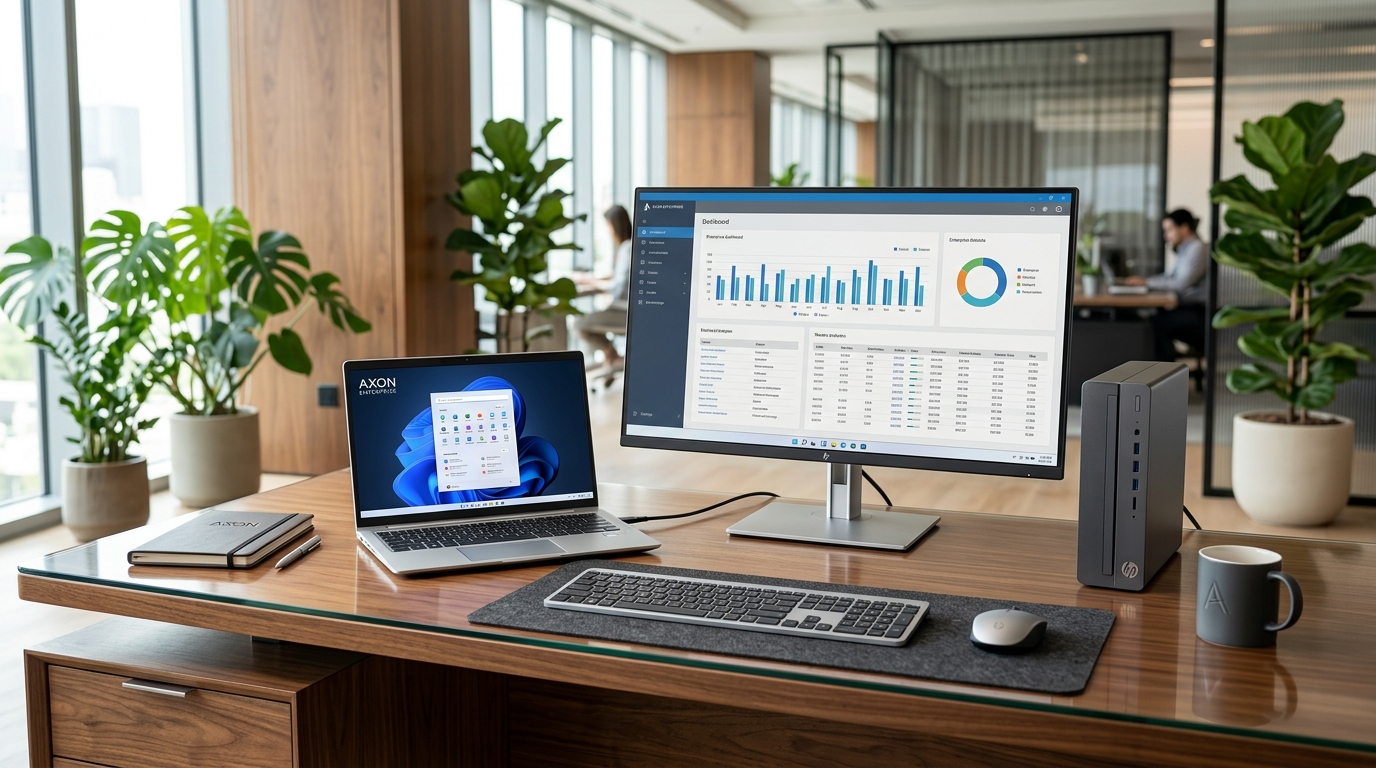
Form Factor Strategy for Commercial Workspaces
When outfitting an office in Nairobi, bank teller counters, hospital reception desks, or school computer labs, deciding between a traditional Desktop Tower, an All-in-One (AIO) PC, or a modern 1L Mini PC impacts desk space, power consumption, repair costs, and long-term upgradeability.
1. Traditional Desktop Towers (HP Pro Tower, Dell OptiPlex MT/SFF)
- Best For: Heavy processing, internal expansion cards, multi-hard-drive arrays, and maximum component longevity.
- Trade-offs: Bulky footprint under desks, accumulates dust from floor foot traffic, and higher power consumption (180W–350W) that drains office UPS units faster during blackouts.
2. All-in-One PCs (HP EliteOne, Dell OptiPlex AIO)
- Best For: Clean executive desks, hotel reception lobbies, and boardroom video conferencing. Single power cable, built-in webcam, and zero wire clutter.
- Trade-offs: If the display panel fails, the entire computer is out of commission. Upgrades are strictly limited to RAM and storage.
3. Ultra-Compact Mini PCs (HP Elite Mini, Dell OptiPlex Micro)
- Best For: Bank tellers, retail cashiers, customer service counters, and modern call centers. Consumes only 35W to 65W, mounts directly behind any VESA monitor, and offers total physical theft deterrence with Kensington lock slots.
- Trade-offs: Uses external laptop-style power bricks; cannot accommodate full-height discrete graphics cards.
Equip Your Office Fleet with the Perfect Form Factor
We supply commercial HP and Dell towers, sleek All-in-One PCs, and space-saving Mini PCs with official manufacturer warranty.