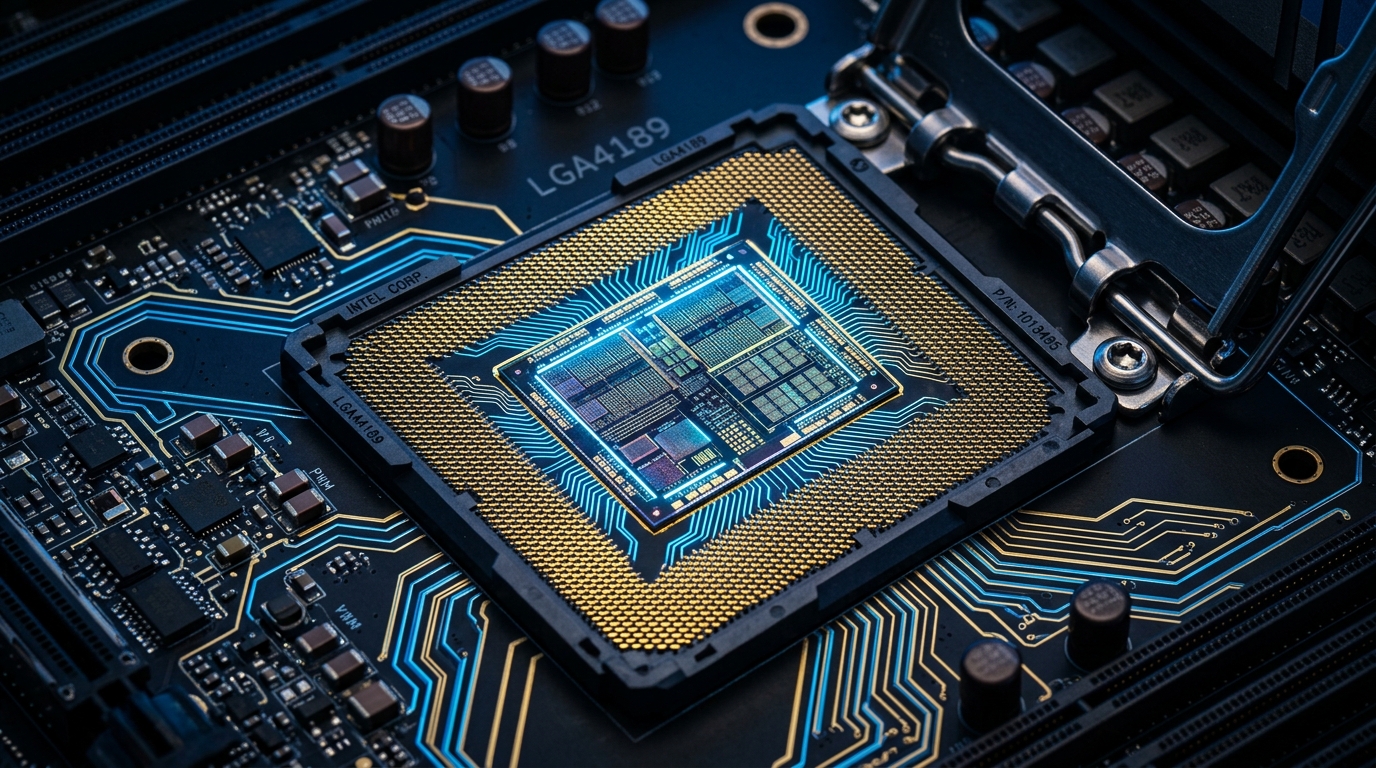
The Vmin Shift Phenomenon: Why Enterprise Systems Were Crashing
Over the past year, enterprise IT departments across Kenya experienced intermittent system crashes, blue screens (BSODs with IRQL_NOT_LESS_OR_EQUAL or UNEXPECTED_KERNEL_MODE_TRAP), and unexplainable compilation failures on 13th and 14th Generation Intel Core processors (Raptor Lake and Raptor Lake Refresh). While initially suspected to be RAM timing or operating system corruption, Intel confirmed the root cause: an elevated operating voltage (Vmin shift) requested by the microcode algorithm within the Tree of Clock (ToC) circuit.
When high voltage is sustained under multi-threaded loads—such as intensive software compilation, large database queries, or CAD rendering—the silicon clock tree circuits undergo accelerated degradation. Once a CPU suffers physical degradation, software patches cannot reverse the physical silicon wear.
Intel Microcode 0x12B: What the Firmware Update Actually Does
Intel issued microcode update 0x12B to address the four specific operating conditions contributing to excessive voltage elevation:
- Default Power Delivery Profiles: BIOS defaults now enforce Intel Default Settings rather than motherboard vendor unlimited power limits.
- eTVB Algorithm Correction: Resolves erroneous voltage requests even when core temperatures exceed safe limits.
- SVID Voltage Ceilings: Imposes hard upper voltage limits during idle and light-load burst states where transient spikes previously occurred.
- Clock Tree Voltage Attenuation: Targets and limits elevated voltage requests originating from the internal clock tree circuits.
Action Plan for Kenyan IT Managers and System Administrators
If your organization manages commercial desktops (e.g., HP Pro Tower 290/400 G9, Dell OptiPlex 7010) or business workstations powered by 13th and 14th Gen Intel Core processors, take the following steps immediately:
- Flash Manufacturer BIOS Updates: HP, Dell, and Lenovo have rolled out updated BIOS packages containing the 0x12B microcode. Deploy these updates through HP Support Assistant or Dell Command | Update.
- Run Memory & Processor Stress Testing: Execute
mprimeor Intel Processor Diagnostic Tool. If the system fails prime factorization tests, the silicon has already degraded and requires warranty replacement. - Procure Warranty-Backed Enterprise Hardware: Ensure all new workstation purchases are sourced through authorized Kenyan distributors offering official 1-year to 3-year manufacturer warranties.
Need Reliable, Warranty-Backed Commercial Workstations?
Jay Digital Solutions supplies brand-new HP EliteBook laptops, Dell OptiPlex desktops, and commercial servers with official manufacturer warranty and ETIMS tax invoices.